

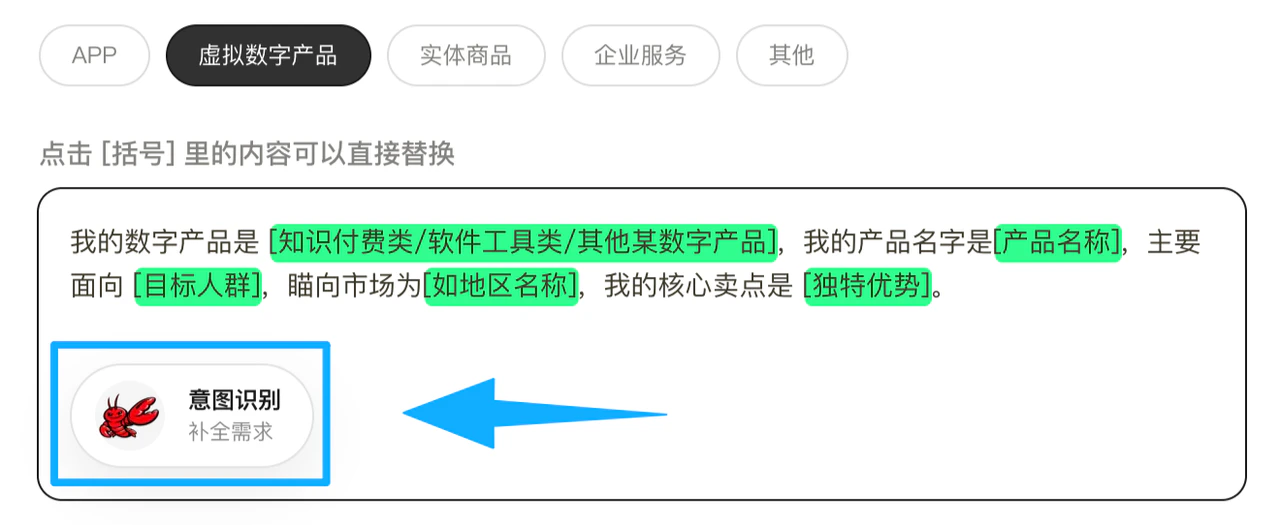
1. Upload Existing Materials
If you already have existing materials, we recommend providing them to the AI when filling in the questionnaire. Common materials include:- Product logo
- Product description
- Brand introduction
- Marketing copy
- PPT or brochure content
- Legacy website materials
- Product selling points and feature descriptions
- Who your brand is
- What your product or service is
- Your brand tone and expression style
- What content must be retained or highlighted
- You already have brand materials and don’t want to type everything from scratch
- You have an existing website and want to upgrade from the current foundation
- You’ve already prepared your copy and want the AI to understand and generate pages directly
2. Upload Your Sketches
If you’ve drawn simple sketches or have a rough page framework, you can send them directly to the AI. Sketches don’t need to be polished — as long as they convey structure and intent, they help the AI better understand your vision. Sketches typically include:- What modules the homepage should have
- Approximate positions of banners, product areas, and case study sections
- Rough layout of buttons, forms, and content blocks
- Page hierarchy relationships
- You have a clear picture in mind but find it hard to describe in words
- You’ve figured out the structure but don’t have a formal design yet
- You want the AI to build on your ideas rather than starting completely fresh
3. Share Reference Links
If you have websites you like, you can share the links directly with the AI. The AI will read the content from the reference links to understand the style, structure, and expression approach you’re looking for. Reference links typically help the AI understand:- The visual style you prefer
- The page structure you want to reference
- The content rhythm you prefer
- Your preferred brand expression style
- I want to reference this website’s homepage layout
- I like this website’s color palette and whitespace feel
- I’d like the product introduction approach to be similar to this link
- I’m only referencing the structure, not the brand content
4. Usage Tips
- If you have materials, provide them along with your text requirements — don’t rely solely on a vague description
- If you have sketches, they don’t need to be polished — conveying the structure is valuable enough
- If you share reference links, explain which part you want to reference
- If you have logos, copy, sketches, and reference websites, submit them all together